
PAELLADOC is a local software factory for taking a product from an uncertain idea to production software. It keeps product intent, validated requirements, experiments, delivery work and code in one connected environment on your machine.
It is not a template pack and it is not only an AI coding interface. The durable part is the product system that remains after a conversation ends.
The three working spaces
Build without code first
Shape a real application from the product side before implementation becomes the bottleneck. Capture the brief, users, constraints and expected behavior; turn them into user stories and acceptance criteria; then validate the definition before asking the factory to build.
Run the product lifecycle
Use PAELLADOC as a product operating environment. Design experiments, preserve evidence, make decisions, plan increments and sprints, and keep the roadmap connected to what the team actually ships.
Work with the code
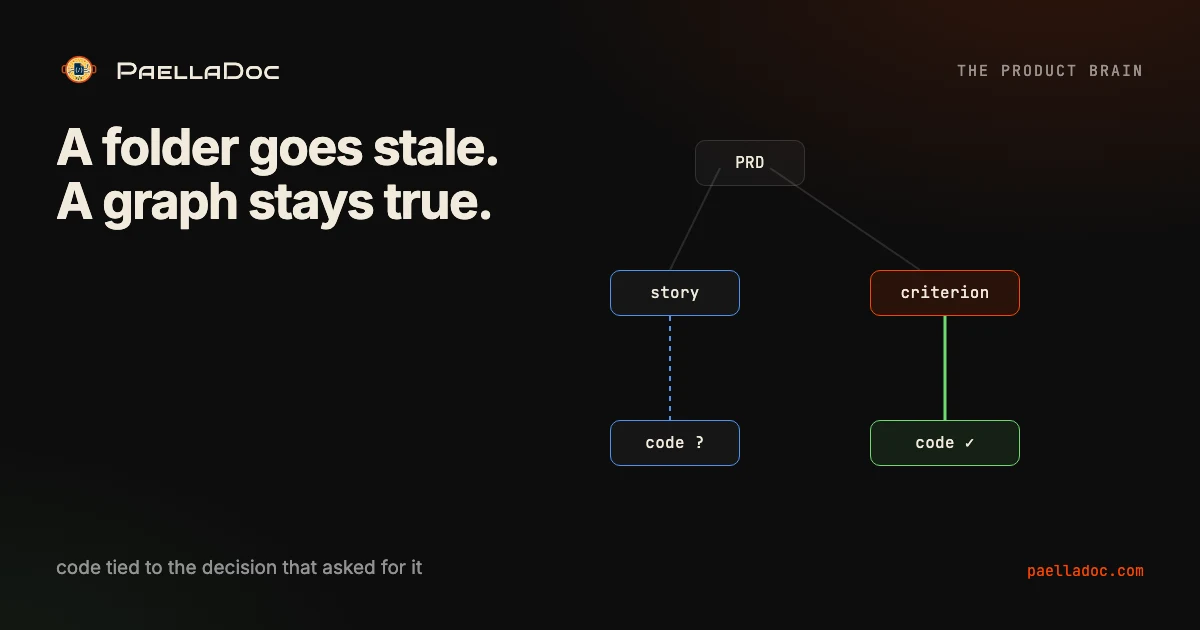
Connect a repository when code already exists or when the product is ready for implementation. PAELLADOC builds knowledge graphs from product artifacts and source code so a developer can navigate the relationship between intent, architecture, implementation and evidence.
A useful first run
- Download and open the local app.
- Start with the product brief: who the product serves, what must change for them and which constraints are real.
- Turn that brief into user stories with explicit acceptance criteria.
- Validate the risky assumptions with evidence or an experiment.
- Choose the smallest production increment worth building.
- Connect the repository when implementation begins, then keep delivery evidence linked to the product definition.
The order matters. Coding faster is valuable only when the system still knows what “correct” means.
What remains local
Your product graph and project context are designed to live on your machine. PAELLADOC can orchestrate external models when you choose to use them, but the product memory is not reduced to a remote chat transcript.
Install PAELLADOC
Use the current signed macOS release and verify the artifact before installing it.